
🎯 Why Organization Matters
A well‑organized collection saves time, prevents damage, and makes selling, trading, and grading way easier. Whether you’re a beginner or rebuilding your setup, this guide shows you how to organize your cards efficiently — without spending a fortune.
🧩 Step 1: Choose Your Organization System
Pick ONE primary structure so your collection doesn’t turn into chaos.
Most Common Systems
- By Player — great for PC collectors
- By Team — ideal for team‑focused binders
- By Year/Set — perfect for set builders
- By Sport — clean and scalable
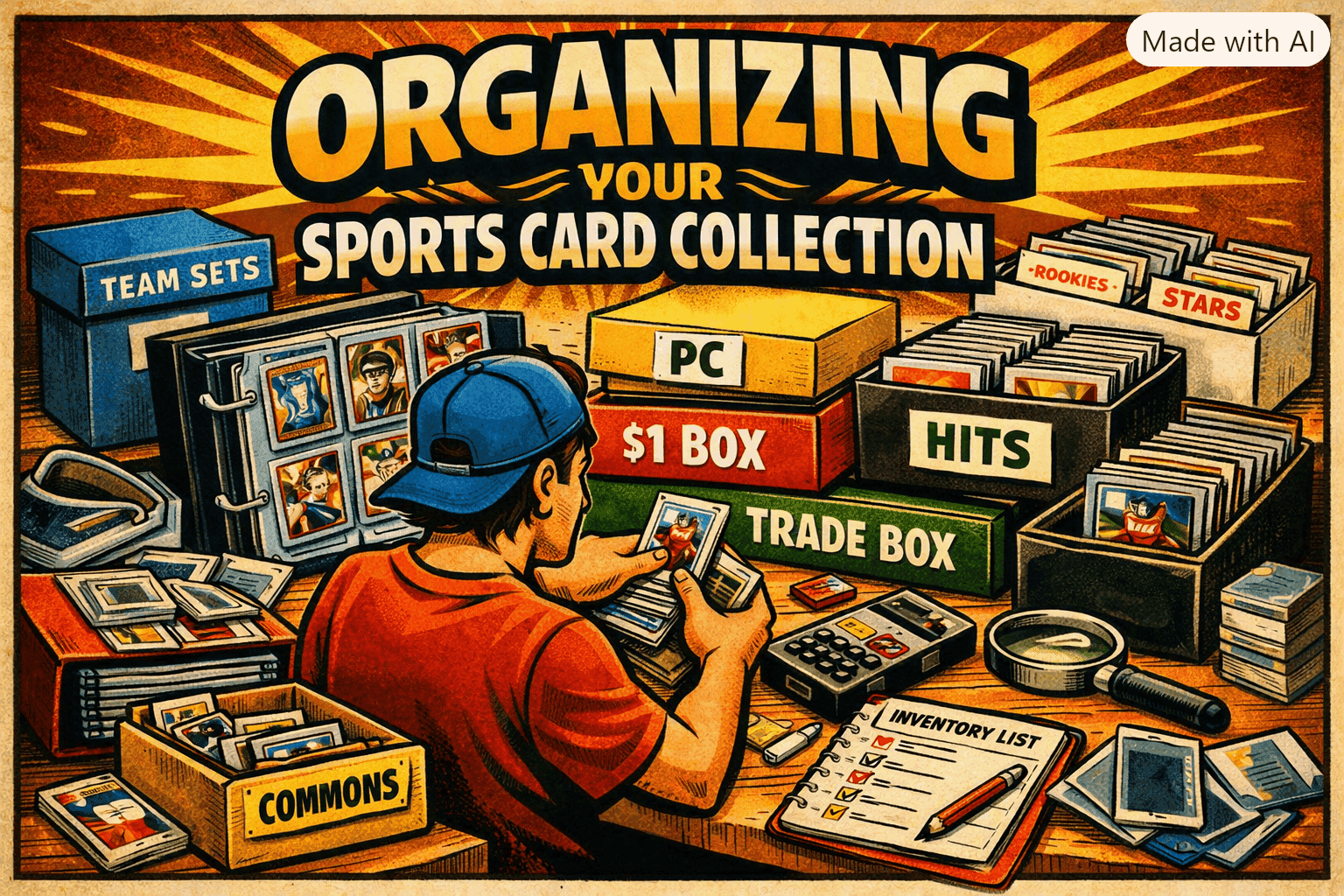
- By Value Tier — flippers love this (e.g., $1 box, $5 box, hits box)
👉 Pro tip: Don’t mix systems. If you sort by team, don’t also sort by year inside the same box.
📦 Step 2: Use the Right Storage
Good storage = long‑term protection + easy access.
Best Options
- Binders — great for sets and PCs
- Top loaders + boxes — ideal for hits and mid‑tier cards
- Slab cases — for graded cards
- Cardboard monster boxes — bulk storage
- Team bags — keep stacks clean and dust‑free
👉 For protection basics, read: https://kenscoolcards.com/how-to-properly-store-and-protect-your-cards
🏷️ Step 3: Label Everything
Labels save HOURS of digging.
Label Ideas
- Sport
- Year
- Set
- Team
- Player
- Value tier
- “Trade Box” / “Commons” / “PC Only”
Use painter’s tape or removable labels so you can update easily.
🧮 Step 4: Track Your Inventory
You don’t need fancy software — just consistency.
Tracking Options
- Spreadsheet (Google Sheets or Excel)
- CollX
- Card Ladder
- Your own custom list
Track:
- Player
- Set
- Number
- Condition
- Raw value
- Graded value (if applicable)
- Location (binder, box, slab case)
🔄 Step 5: Create a Workflow
This is where beginners fall apart — no system for new pickups.
Simple Weekly Workflow
- Sort new cards into your main system
- Sleeve anything valuable
- Add new cards to your inventory
- Move duplicates to your trade/sell box
- Re‑label boxes if needed
This keeps your collection clean instead of turning into a “random pile of cards on the desk.”
🧰 Step 6: Build a Trade & Sell Zone
Separate your “PC only” cards from your “move these” cards.
Trade/Sell Zone Includes
- $1 box
- $5 box
- Hits box
- Graded cards
- Show inventory
- Whatnot inventory
- eBay inventory
👉 For selling optimization, read: https://kenscoolcards.com/how-to-optimize-your-sports-card-listings-on-ebay
🧠 Step 7: Maintain Your System
Organization isn’t a one‑time project — it’s a habit.
Monthly Maintenance
- Re‑sort stray cards
- Update inventory
- Clean storage area
- Re‑label boxes
- Move cards between PC / trade / sell zones
A clean collection = faster flips, easier grading, and less stress.
🧠 Key Takeaways
- Pick ONE organization system
- Use proper storage
- Label everything
- Track inventory
- Build a trade/sell zone
- Maintain your setup weekly
- Keep your PC separate from your flip inventory